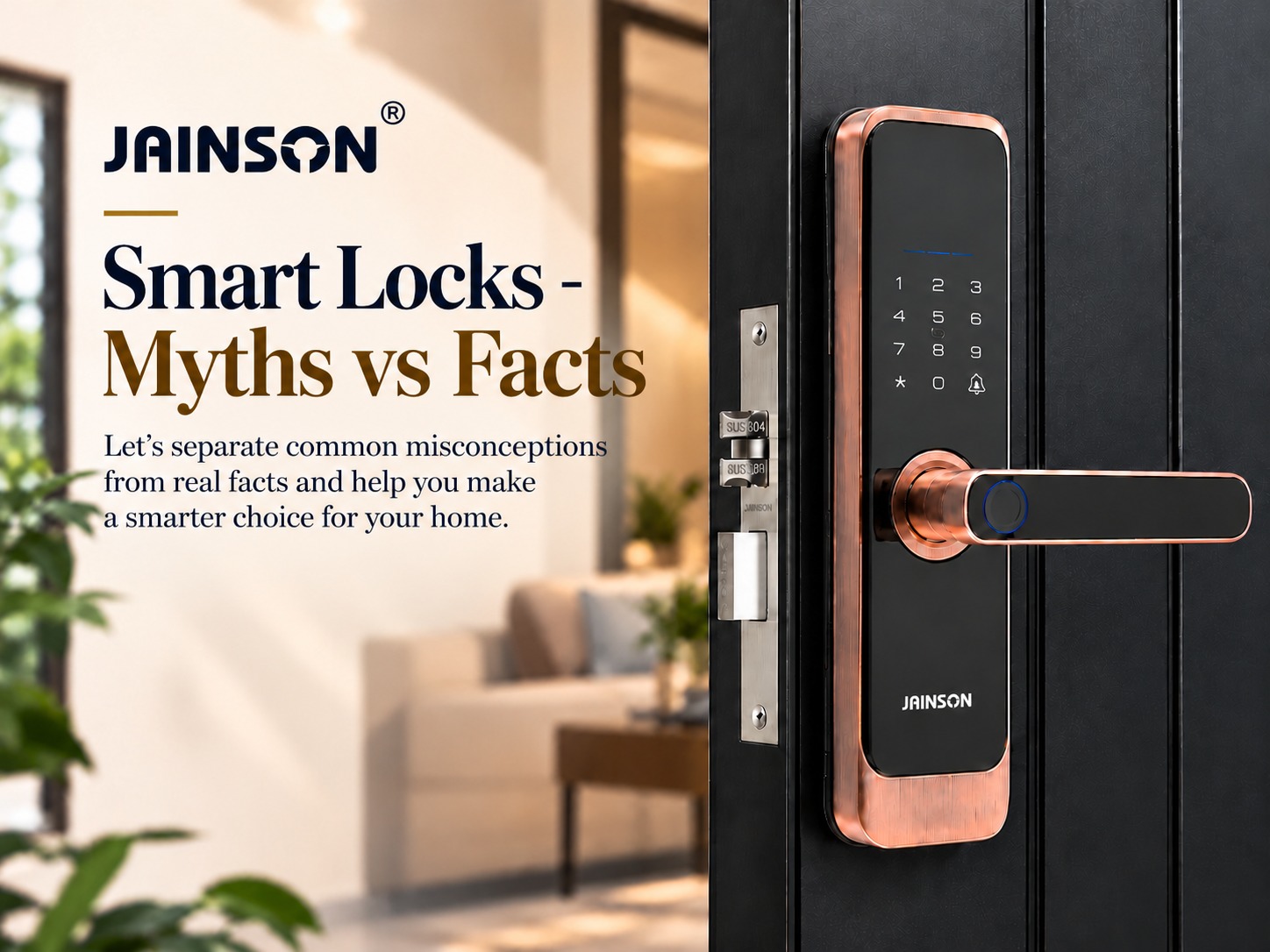
Smart locks are becoming increasingly popular among homeowners in India. They offer a variety of additional security features, including fingerprint recognition, PIN codes, RFID cards, smartphone apps and keyless entry, providing a unique way to secure and control access to a property. Along with the rise in the popularity of smart locks, there have been several misconceptions and queries.
The truth is much more complicated.
As with all electronic or connected devices, there is the possibility of vulnerabilities within a smart lock. However, this does not imply that all smart locks are hacked or that smart locks are unsafe in general. Smart locks in India come with a variety of features, authentication mechanisms, software, connectivity, physical design, installation, maintenance and access management practices that enable their security. In this article, let’s explore some of the more popular smart lock myths and get to the facts.
Smart locks are different from a physical key because they do more than that. They add digital authentication and access-management capabilities that may help enhance convenience, but can also pose new security concerns.
| Feature | Traditional Lock | Smart Lock |
| Entry Method | Physical key | Fingerprint, PIN, RFID, smartphone app or key |
| Keyless Entry | No | Yes |
| Fingerprint Access | No | Available on selected models |
| Smartphone Control | No | Available on selected models |
| Remote Access | No | Available on connected models |
| Temporary Access | Requires a physical key | Digital codes or app-based access on supported models |
| User Management | Limited | Users can be added or removed digitally |
| Battery Required | No | Yes, for most models |
| Low-Battery Alert | No | Available on many models |
| Access History | No | Available on selected models |
| Access Control | Mainly through physical keys | Multiple digital authentication options |
| Cybersecurity Risk | Very low | Requires attention to software, apps, and connectivity |
| Emergency Access | Physical key | Mechanical key, emergency power or other backup options depending on model |
| Convenience | Basic | High |
| Best Suited For | Basic door security | Homes, apartments, offices, rentals and smart homes |
An important point here is that smart locks do not just replace the key with technology, as shown in the table. It add new levels of security and convenience, but they can create new spaces that users must handle.
Myth 1 – Smart Locks Can Be Hacked very Easily
Fact: A smart lock can also be vulnerable, but it’s not as very easy to hack.
Smart locks can be connected using Bluetooth, Wi-Fi, mobile apps or other wireless devices. There is a potential security risk in each connected device. But a good smart lock can feature multiple security measures such as encrypted communication, authentication, secure firmware, access control, tamper alerts and multiple authentication systems. So, the question is whether a smart lock can be hacked doesn’t provide much context for how secure it is.
A better question is: What security features does smart lock have, how are these features maintained, and how securely is the lock installed and used?
Myth 2 – Fingerprint Smart Locks Are Less Secure
Fact: Fingerprint authentication can be used to give easy and reliable access to owners.
Owners should consider a smart door lock with fingerprint authentication which allows them to open the doors by fingerprint scanning. It means the door can be unlocked with a fingerprint, so no physical key or PIN is required every time it is opened. But don’t consider fingerprints the only option. The overall construction, authentication system, emergency access, and backup methods should also be considered by the buyer. Far more contemporary locks are a mix of a fingerprint lock and PIN, or maybe RFID, or a mobile application or mechanical-key-based access. But the security of a fingerprint smart lock should be taken into account as a part of the locking system and not just the fingerprint feature.
These combinations can make more flexible locks for families, employees, guests and others who are authorised to use the lock.
Myth 3 – If Smart Lock Uses Wi-Fi, Anyone Can Unlock It
Fact: No Wi-Fi connection needed to use the smart lock.
An Internet-connected lock will need to verify that an authorised user or command is authorised to unlock, even if it is online. App-controlled door locks‘ security is determined by a number of factors, such as the lock’s software, mobile application, account security, communication protocols, and how users handle their credentials. If you’re a homeowner, the most important thing to focus on is the smartphone and the attached account to the lock are secure as well. Use strong password and never share the password and account details with anyone, update the app timely and delete users who no longer need access to the lock.
In other words, Wi-Fi is only a connectivity feature, not an automatic unlocking mechanism.
Myth 4 – Traditional Keys Are Always Safer
Fact: There are different types of security threats to traditional and smart locks.
Traditional locks are not reliant upon batteries, apps, software, or an internet connection. But there are still issues pertaining to physical security. Keys can be lost, stolen, and duplicated. Unfortunately, after someone else has an unauthorised copy of a key, changing how the key is stored will not necessarily fix the issue. The keyless door lock India homeowners select may offer more extra features for safe access. For instance, a user can take away a person’s digital access without changing the complete locking system. Smart locks shouldn’t be thought of as merely “more secure” or “less secure” than traditional locks. They are different in their security model, advantages and considerations.
Smart locks thus provide an alternative approach to the management of access, not just an alternative to traditional security.
Myth 5 – RFID Smart Locks Are Easy to Clone
Fact: RFID security relies on the technology used by the lock.
Security features of RFID systems vary. Homeowners should take the following points into account when selecting RFID smart locks in India. The following aspects must be taken into account when an owner selects RFID smart locks. It’s also good practice to see if lost cards can be deactivated, if individual users can be scrubbed, and if the lock offers more means of authentication. Access management can be useful for Indian houses, offices, hotels and rental properties.
What is important to keep in mind is that “RFID” alone will not indicate the level of security of a specific lock. The technology and implementation of the underlying credential is important.
Myth 6 – Smart Lock Stops Working When Its Battery Dies
Fact: Some smart locks offer backup and emergency access features.
One of the most crucial factors to consider when purchasing a digital smart lock for home is battery management. A lot of the newer smart locks will give you low battery alerts before the battery is actually at a critical level. Emergency options include a mechanical key, external emergency power, or other backup options depending on the model. It’s always best for homeowners to know what happens if the battery dies entirely on a smart lock before buying one.
A smart lock should offer a practical way to enter the home during an emergency, depending on the model; however, the homeowner shouldn’t be solely relying on working batteries.
The purchase of an excellent lock is simply a part of smart-home security. Common uses count as well.
The following steps don’t mean that an electronic lock is completely secure, but they can help minimise unnecessary risks and secure a homeowner’s use of the lock.
Security for smart locks is frequently simplified to the extent that the lock is either hacked or secure. The reality is that it depends on the technology, implementation, physical security, software and user practices. The reasons for considering the entire smart-lock system rather than just features are highlighted in the above-mentioned myths. While access using fingerprint or PIN numbers, smartphones, or remote controls can all offer valuable features, there are security factors to consider with each. With this knowledge, smart-lock selection, software updates, user management, and a reliable emergency access solution, homeowners can make an informed choice regarding smart-lock security. While not all smart locks are hack-proof, they are also not easy to hack. Knowing the technology and being able to use it responsibly is the answer to the benefits of keyless access and the security concerns.
Smart locks that use wireless connectivity can potentially have software or communication vulnerabilities. But just because the door is connected doesn’t mean that an intruder can unlock it.
Convenient biometric access can be obtained with fingerprint smart locks. The security they provide will rely on the authentication technology, physical structure, software, installation, and backup access points of the lock.
When properly designed and used, they are secure. These are the steps homeowners can take to protect their app accounts: use strong passwords, ensure apps are up to date, and delete users when no longer needed.
A smart lock can vary from providing low battery warnings to providing emergency power access or even a mechanical key override functionality. Be aware that the backup options vary depending on the model, so verify each model’s backup options before installation.
The security of the RFID technology relies on the technology and how it is implemented. To verify the authentication of credentials and whether lost or unused RFID cards can be purged from the system, buyers should review the credentials’ authentication process.